Blog / Guide
Polymarket Tutorial for Beginners: How to Use Polymarket (2026)
New to Polymarket? This step-by-step tutorial walks you through signup, funding, your first trade, and how to actually understand what you're trading.
Polymarket Tutorial for Beginners
Polymarket is the world's largest prediction market — a place where you trade on real-world outcomes instead of betting on them. Politics, sports, crypto, economics, AI launches — if it's an event with a clear yes/no answer, there's probably a market for it.
This tutorial walks you through everything you need to start trading on Polymarket: signup, funding, placing your first trade, and understanding what you're actually doing.
What You Need Before You Start
Three things:
- An email address or a crypto wallet (MetaMask, Coinbase Wallet, etc.)
- About 10 minutes
- Some USDC on the Polygon network (we'll cover this)
You don't need to know crypto deeply. You don't need to understand blockchain. The interface is closer to a stock trading app than a crypto exchange.
Step 1: Create Your Polymarket Account
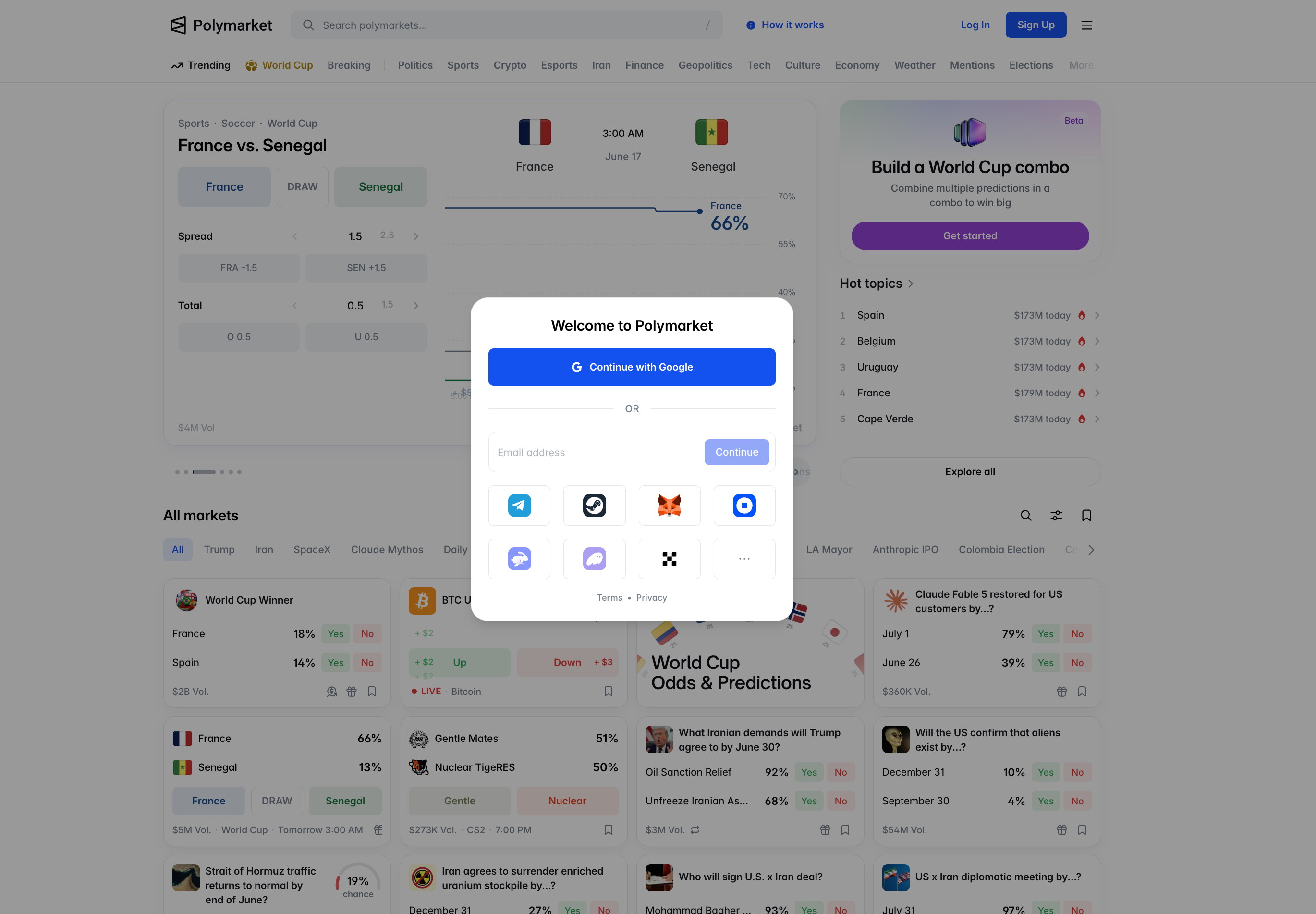
Go to polymarket.com and click "Sign Up." You'll get two options:
- Email signup — easiest for beginners. Polymarket creates a wallet for you in the background
- Wallet connect — if you already use MetaMask or Coinbase Wallet, connect it directly
Both work. Email is faster if this is your first time.
After signup, complete the basic profile. No deep KYC for most regions.
Step 2: Fund Your Account With USDC
Polymarket trades in USDC on the Polygon network. Not Ethereum, not Binance Smart Chain — Polygon specifically. This matters because sending USDC from the wrong network means losing your funds.
Easiest ways to fund:
- Buy USDC directly inside Polymarket using a debit card (fees apply but easiest)
- Transfer USDC from an exchange like Coinbase or Kraken — make sure you select Polygon network when withdrawing
- Bridge from another chain if you already hold crypto elsewhere
Start small. $50-100 is enough to learn how everything works.
Step 3: Understand What You're Looking At
Every market on Polymarket has two sides: Yes and No.
Take a market like "Will France win the 2026 World Cup?" If Yes shares trade at $0.16, the market is saying France has a 16% chance. If you buy Yes and France wins, each share pays $1 (a 525% return). If they lose, each share is worth $0.
This is the core mechanic. Everything else is built on it.
You can also sell your shares before the market resolves — locking in profit if the price moved in your favor, or cutting losses if it didn't.
Step 4: Place Your First Trade
Pick a market you actually understand. Politics if you follow politics. Sports if you follow sports. Don't trade markets you can't reason about.
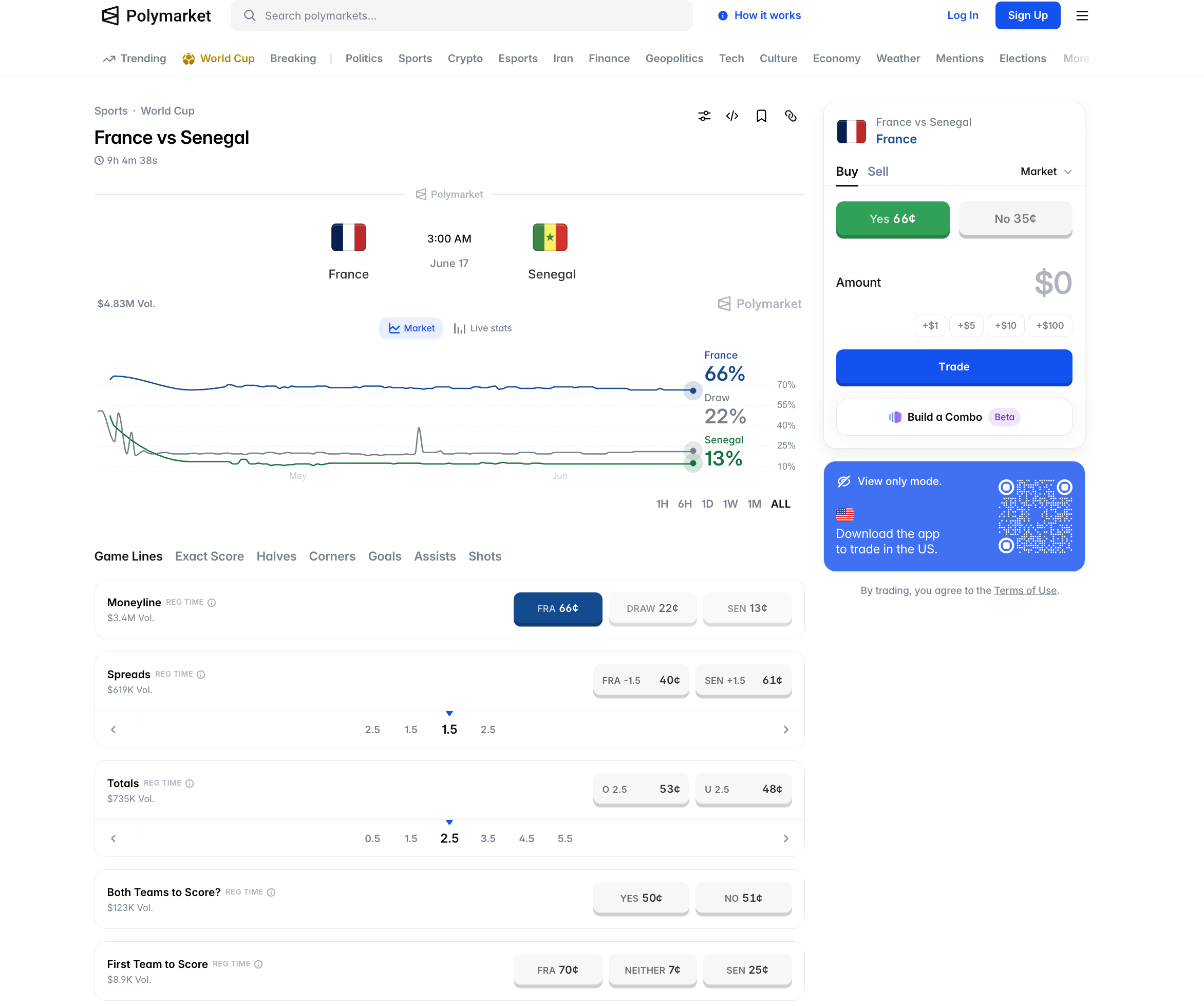
Click into the market. You'll see:
- Current Yes/No prices (the market's probability estimate)
- Order book (depth of buy/sell orders)
- Recent trades (what others are doing)
- Resolution criteria (how the market will be decided)
To trade:
- Click "Buy Yes" or "Buy No"
- Enter how many shares (or USDC amount) you want
- Confirm
That's it. Your position is live.
Step 5: How Markets Resolve
When the event concludes, Polymarket uses UMA Protocol — a decentralized oracle — to verify the outcome. UMA token holders check the result against public information.
If a resolution is disputed, there's a challenge period. Most markets resolve cleanly within 24-48 hours of the event ending.
Your shares automatically pay out USDC to your wallet on resolution.
Step 6: Withdrawing Your Funds
When you want to take money out:
- Go to your account → Withdraw
- Choose USDC withdrawal
- Enter your wallet address (make sure it's a Polygon-compatible wallet)
- Confirm
USDC withdrawals are usually instant on Polymarket since everything's already on-chain.
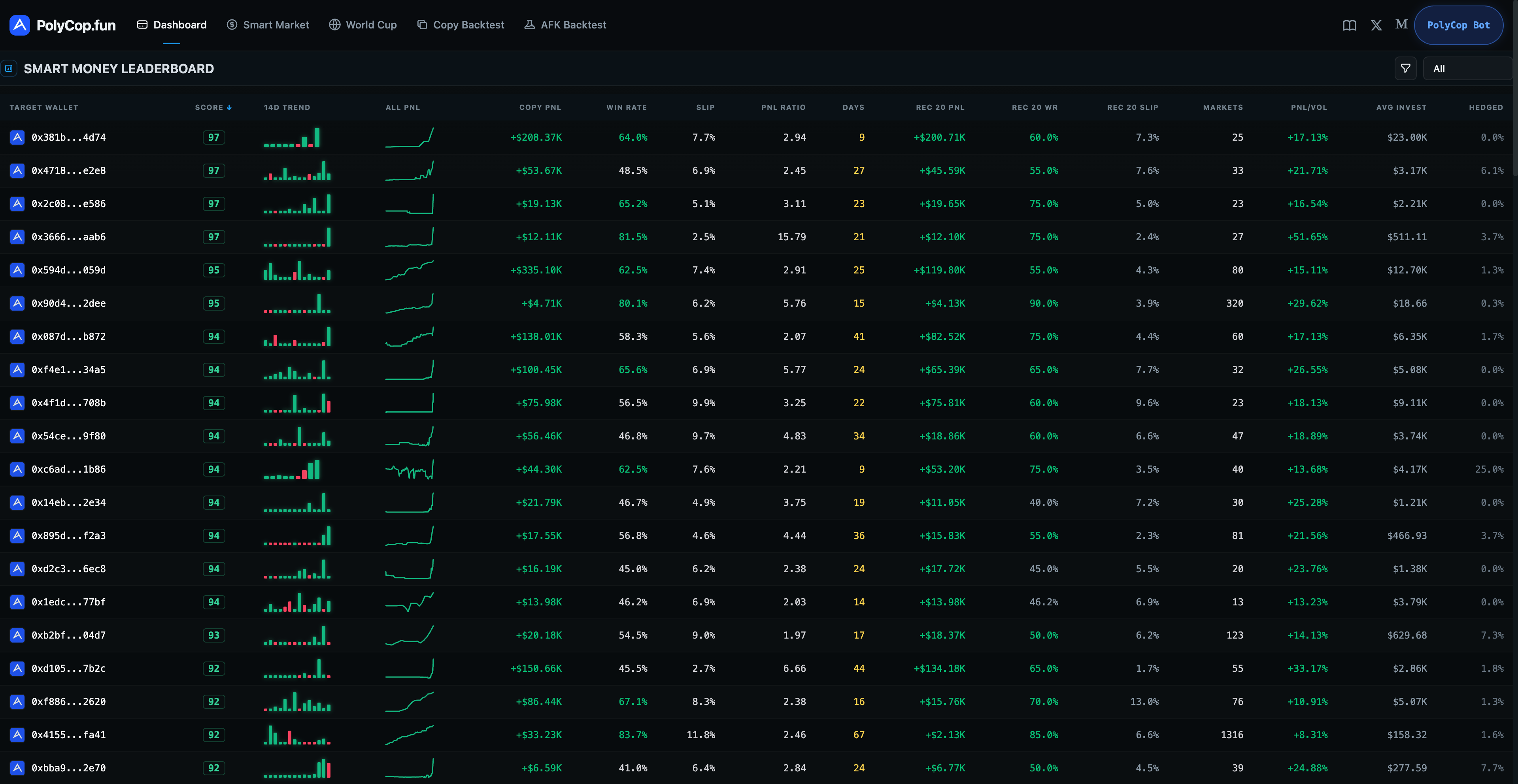
Don't want to research markets yourself? PolyCop copies the trades of profitable Polymarket wallets automatically →
Common Beginner Mistakes
1. Trading markets you don't understand Don't trade niche crypto markets if you don't follow crypto. Stick to topics you can actually reason about. Edge comes from knowledge, not from gambling.
2. Going too big on your first trade Start with $5-10 positions until you understand how prices move and how resolution works.
3. Ignoring liquidity Some markets have thin order books. If you try to place a $1000 order on a $200-liquidity market, you'll pay terrible prices. Check the order book first.
4. Not reading resolution criteria The exact wording of how a market resolves matters. "Will X happen by Date" can be tricky — what counts as "happening"? Always read the resolution rules.
5. Using the wrong network when funding USDC on Ethereum is not USDC on Polygon. Make sure you're sending Polygon-network USDC.
What's Next After Your First Trade
Once you've placed a few trades and understand how the platform works, you have three paths forward:
Path 1: Active trading — research markets yourself, build your own edge. Time-intensive but most rewarding.
Path 2: Copy trading — mirror the trades of wallets that have already proven profitable. PolyCop tracks 593 of them with verified on-chain history.
Path 3: Casual trading — just trade events you care about, treat it like an information market more than a money-making activity.
All three are valid. Pick what fits your time and risk tolerance.
Is Polymarket Safe?
Polymarket is one of the most transparent prediction markets available. Funds are held in audited smart contracts on Polygon, not by the company itself. Every trade is on-chain and publicly verifiable. The platform settled with the CFTC in 2022 and now operates globally outside the US.
For a deeper safety breakdown, see our guide on whether Polymarket is legit.
Start Trading on Polymarket
Ready to place your first trade? Register at polymarket.com and start with a market you actually follow.
If you want to skip the learning curve, PolyCop mirrors top Polymarket wallets automatically — 0-second execution, no coding, average win rate 59.44%.